When the user clicks View Subscription from the three-dot menu in the subscription list, a detailed Subscription Details window opens.
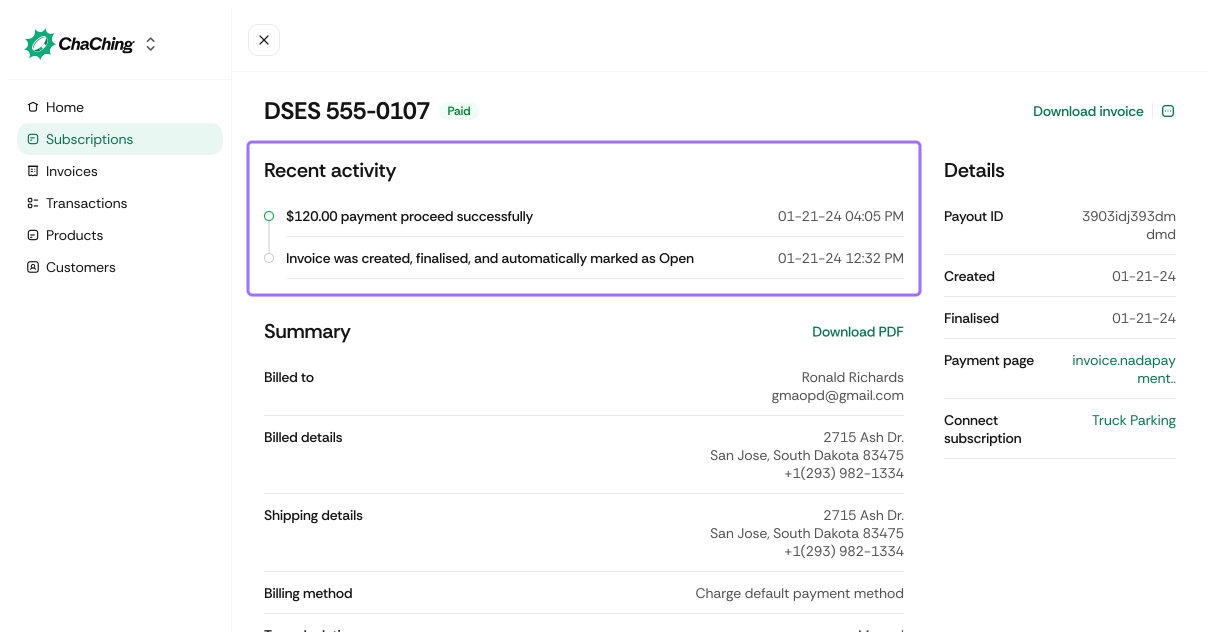
This view provides full information about the selected subscription, customer context, pricing, invoices, and upcoming billing.
When the user clicks View Customer from the three-dot menu in the subscription list, a Customer Details window opens. For details, refer to View Customer Details.
At the top of the page, the subscription name and status are displayed, along with available actions.

| Element | Description |
|---|---|
| Subscription Name | Combines customer name and current subscription state (e.g., active). |
| Edit | Allows editing subscription settings and billing details. |
| Pause | Temporarily pauses the subscription. |
| Cancel | Cancels the subscription going forward. |
Below the header, four summary boxes provide quick reference data.
| Card | Description |
|---|---|
| Start Date | The date the subscription initially began. Example: October 20, 2025. |
| Next Invoice | Shows the amount and upcoming billing date. Example: $9.00 on 20 Dec, 2025. |
| Customer | Displays customer name and email linked to the subscription. |
| Total Invoices | Total number of invoices generated for this subscription. |
This section contains the subscription’s full metadata and lifecycle information.

| Field | Description |
|---|---|
| Customer | Linked customer name associated with the subscription. Click to open the details. For details, refer to section view-customer-details.md |
| Created | The date the subscription was originally created. Example: 10-20-2025. |
| Current Period | Billing cycle currently in progress. Example: 20 Nov, 2025 → 20 Dec, 2025. |
| ID | Subscription identifier in the format sub_xxxxxx. |
| Trial Until | Displays trial end date or N/A if no trial. |
| Billing Method | Indicates how the user is charged (e.g., Charge default payment method). |
| Tax Calculation | Shows whether tax is manual or automated (and linked system if applicable). |
Displays the subscription’s product pricing configuration.
Shows the upcoming billing cycle and all line items that will be included.
If configured, ChaChing displays the tax calculation applied to the upcoming invoice.
All past invoices generated for this subscription are shown here.
| Field | Description |
|---|---|
| Amount | Total amount billed on the invoice, including tax (if applicable). |
| Status | Indicates whether the invoice is paid, open, unpaid, void, or past due. |
| Invoice Number | Unique invoice identifier assigned by ChaChing (e.g., 6399). |
| Customer Name | Name of the customer associated with the invoice. |
| Frequency | Billing interval for the subscription (e.g., month, year). |
| Created | Date the invoice was generated. |
| Due | Date the invoice is due (— for already paid invoices). |
| Action | Provides a View details link to open the full invoice record. |