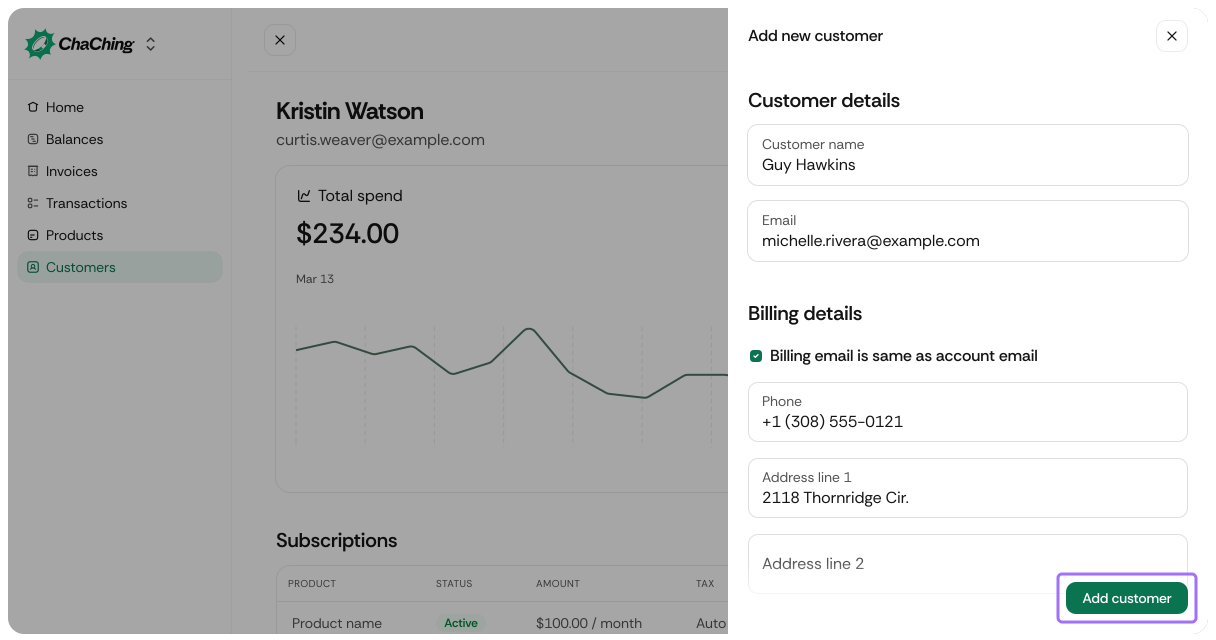
Use this workflow to manually create a customer record in ChaChing. This is useful when you need to add a customer individually instead of importing via API.
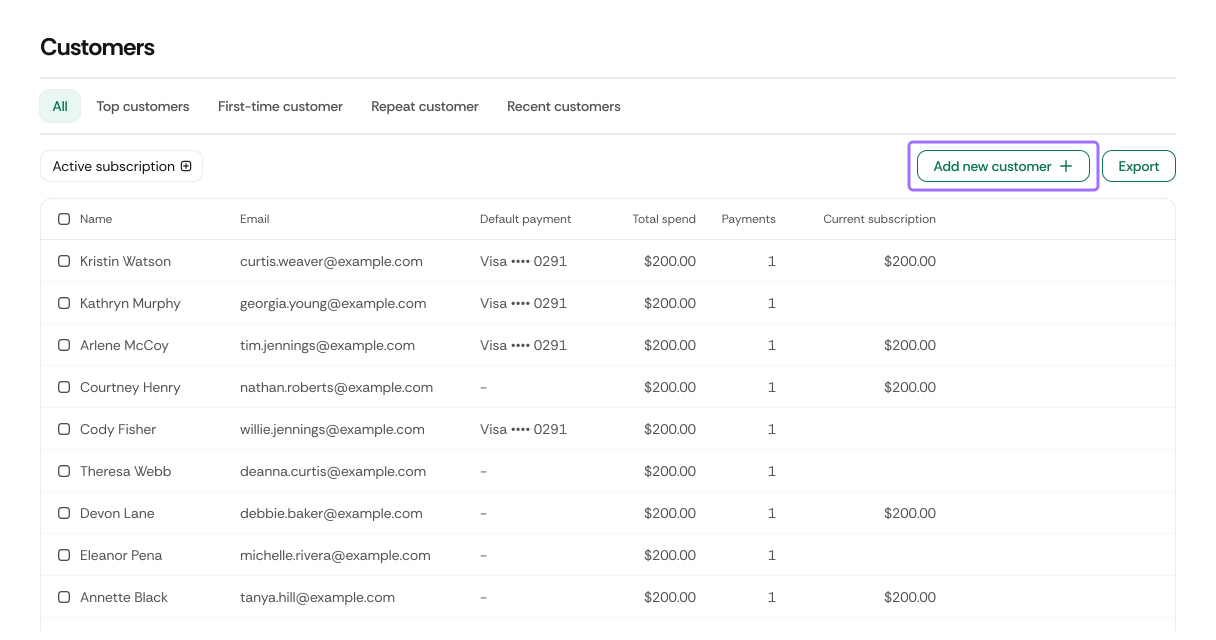
Click Add new customer to create a customer.
| Name | Description | Required / Optional |
|---|---|---|
| Customer Name | Full name of the customer used for identification across billing records and subscriptions. | Required |
| Primary customer email used for receipts, invoices, and all system notifications. | Required | |
| Show advanced options | Expands the form to include billing and shipping sections. | — |
| Name | Description | Required / Optional |
|---|---|---|
| Billing email is same as account email | When selected, the customer’s primary email is reused as the billing email. | Optional |
| Billing Email | Separate billing email. Appears only when the checkbox above is disabled. | Optional |
| Phone | Customer phone number used for contact and invoice communication. | Optional |
| Address Line 1 | Primary billing address. | Optional |
| Address Line 2 | Additional address information (apartment, suite, unit). | Optional |
| City | Billing city. | Optional |
| State | Billing state, province, or region. | Optional |
| Zip | Billing ZIP or postal code. | Optional |
| Name | Description | Required / Optional |
|---|---|---|
| Same as the billing details | Copies all billing address fields into the shipping section. | Optional |
| Phone | Customer’s shipping contact phone number. | Optional |
| Address Line 1 | Primary shipping address. | Optional |
| Address Line 2 | Additional address information for shipping. | Optional |
| City | Shipping city. | Optional |
| State | Shipping state, province, or region. | Optional |
| Zip | Shipping ZIP or postal code. | Optional |
Click Add customer to create the customer using the provided details.