ChaChing allows you to export customer records for reporting, analytics, or backup. You can export data in CSV or XLSX formats and optionally customize the date range and the columns included.
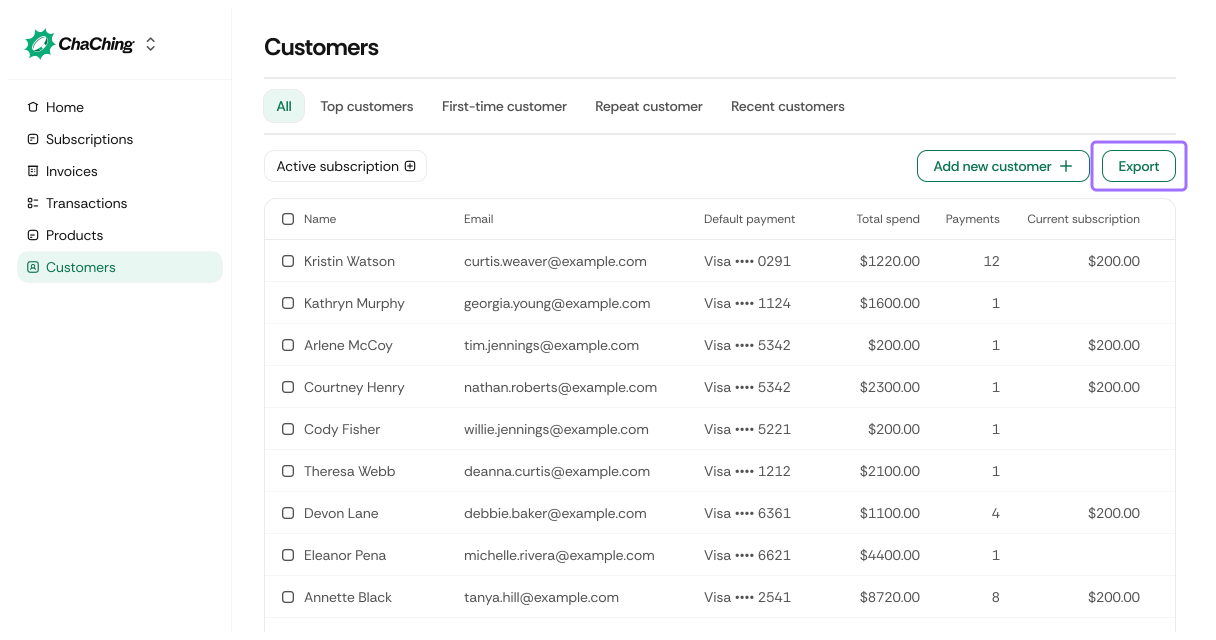
When you click Export on the Customers page, the export window includes the following options:
Select the time period for the customer data you want to export.
| Option | Description |
|---|---|
| Today | Exports customers added today. Displays today’s exact date (e.g., December 11). |
| Current month | Exports customers added since the first day of the current month (e.g., December 01 – December 11). |
| Last 7 days | Exports customer data from the previous seven days (e.g., December 05 – December 11). |
| Last month | Exports customer data from the previous calendar month (e.g., November 01 – November 30). |
| All | Includes all customers in the workspace, regardless of creation date. |
| Custom | Allows selecting a specific start and end date. |
Choose which fields to include in the export file.
| Option | Description |
|---|---|
| All | Exports all available customer fields. |
| Custom | Allows selecting specific columns to include (e.g., names, emails, payment methods, total spend). |
Select the file format for your export.
| Format | Description |
|---|---|
| CSV | Comma-separated values. Ideal for spreadsheets, imports, and data tools. |
| XLSX | Excel format. Preserves formatting and supports larger data operations. |
Click Export to download the customer file with the selected filters and preferences.